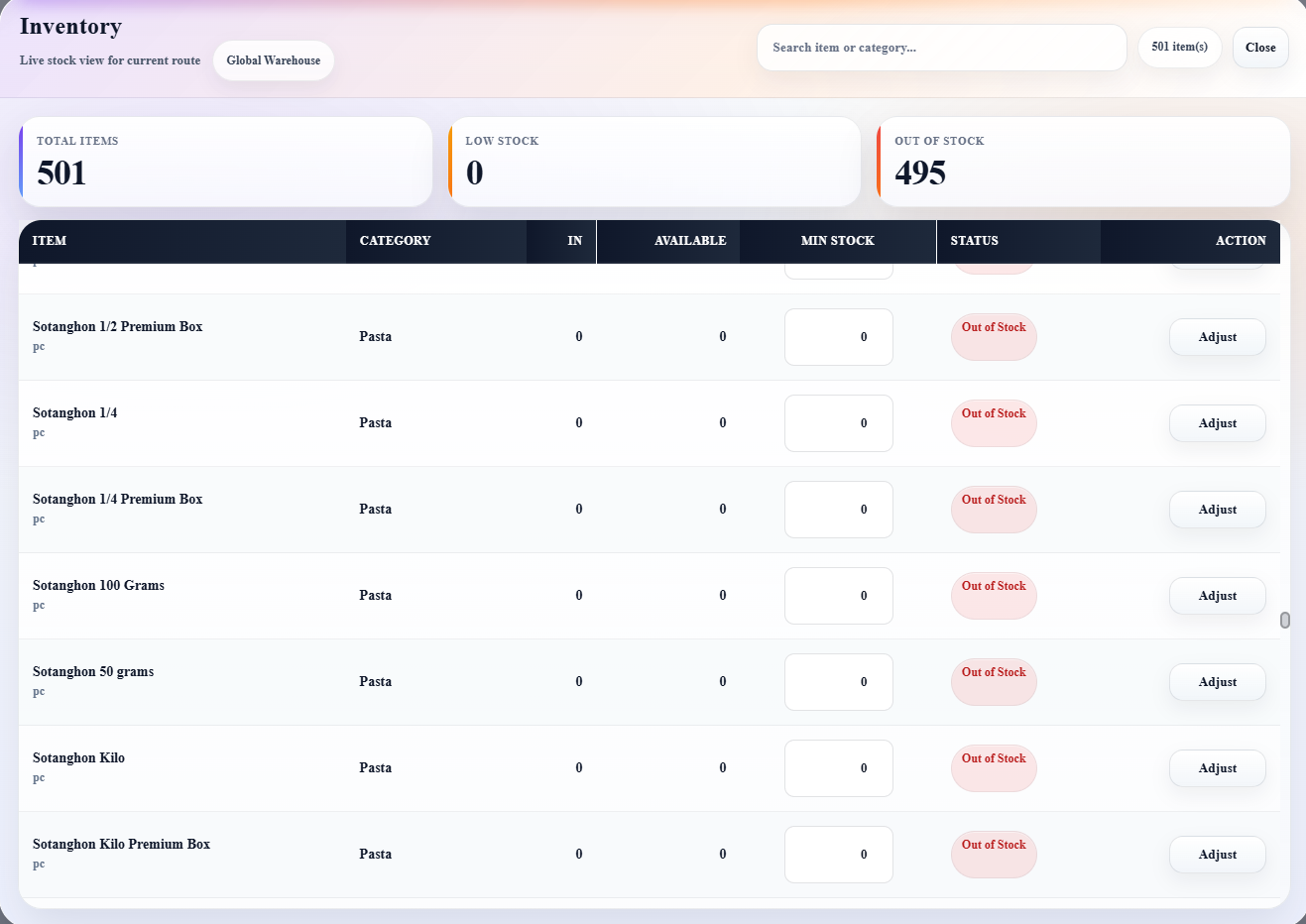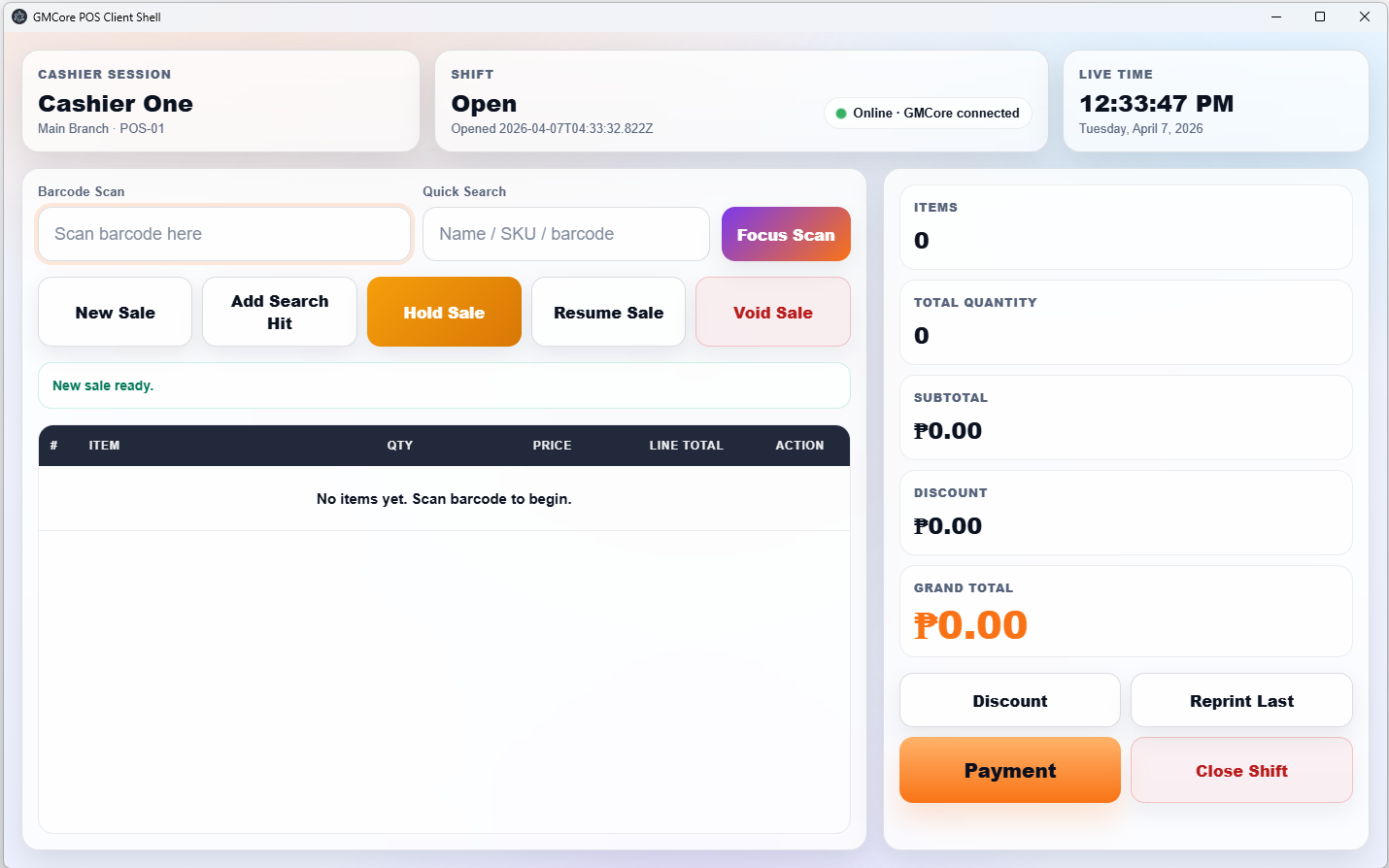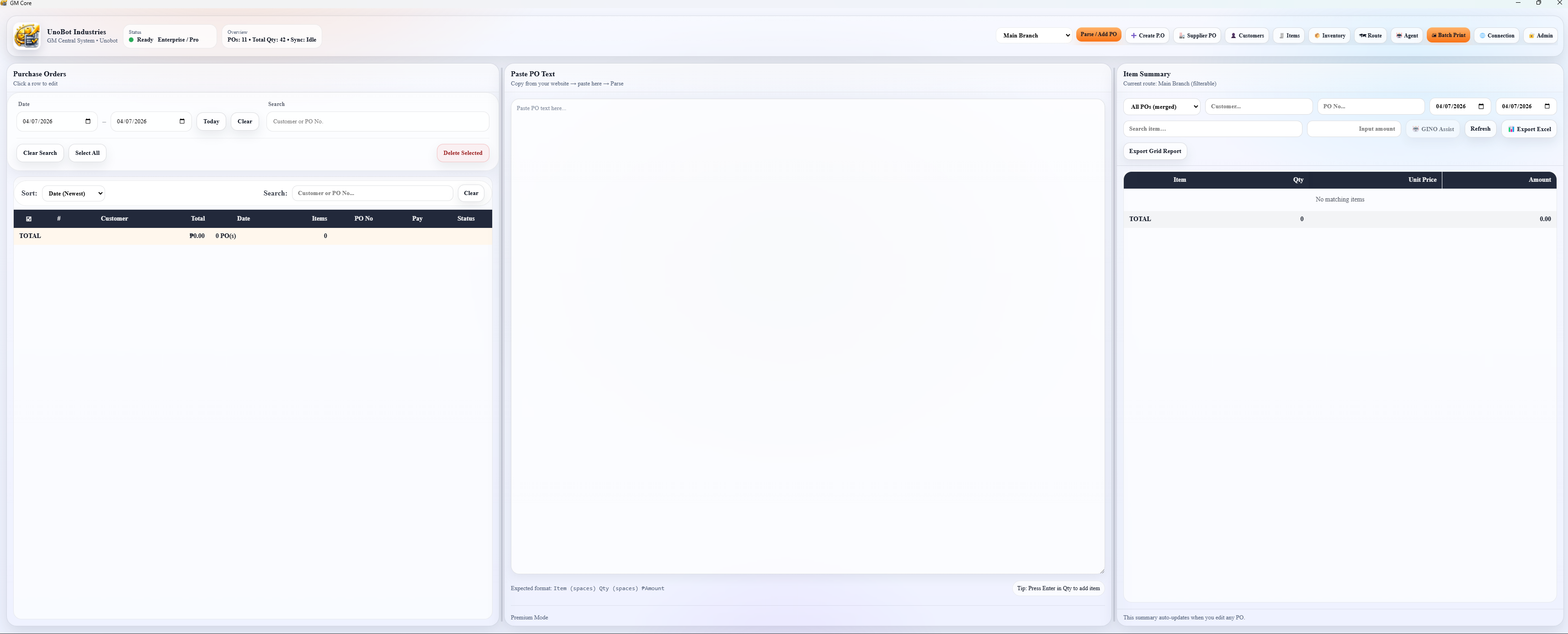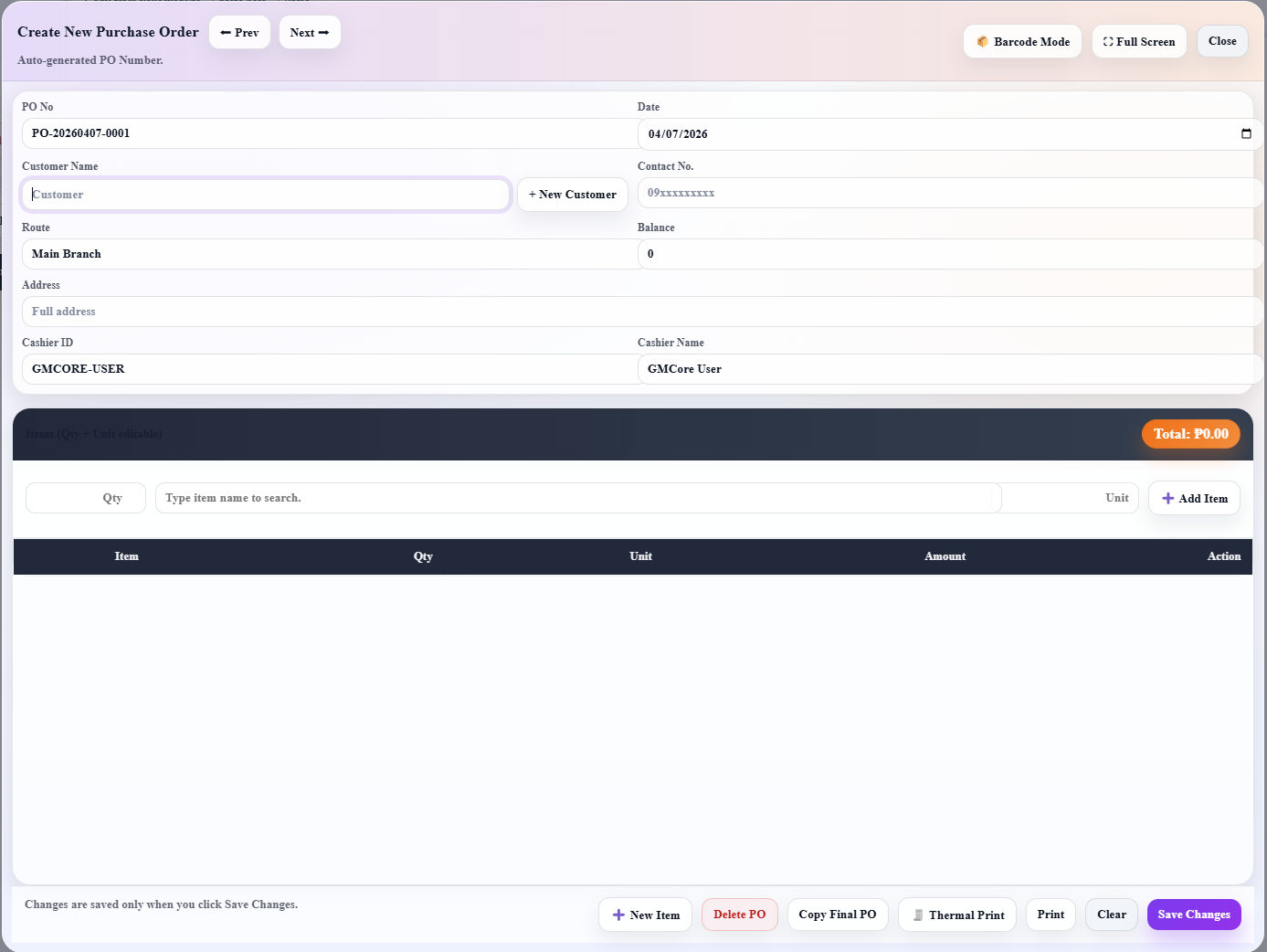

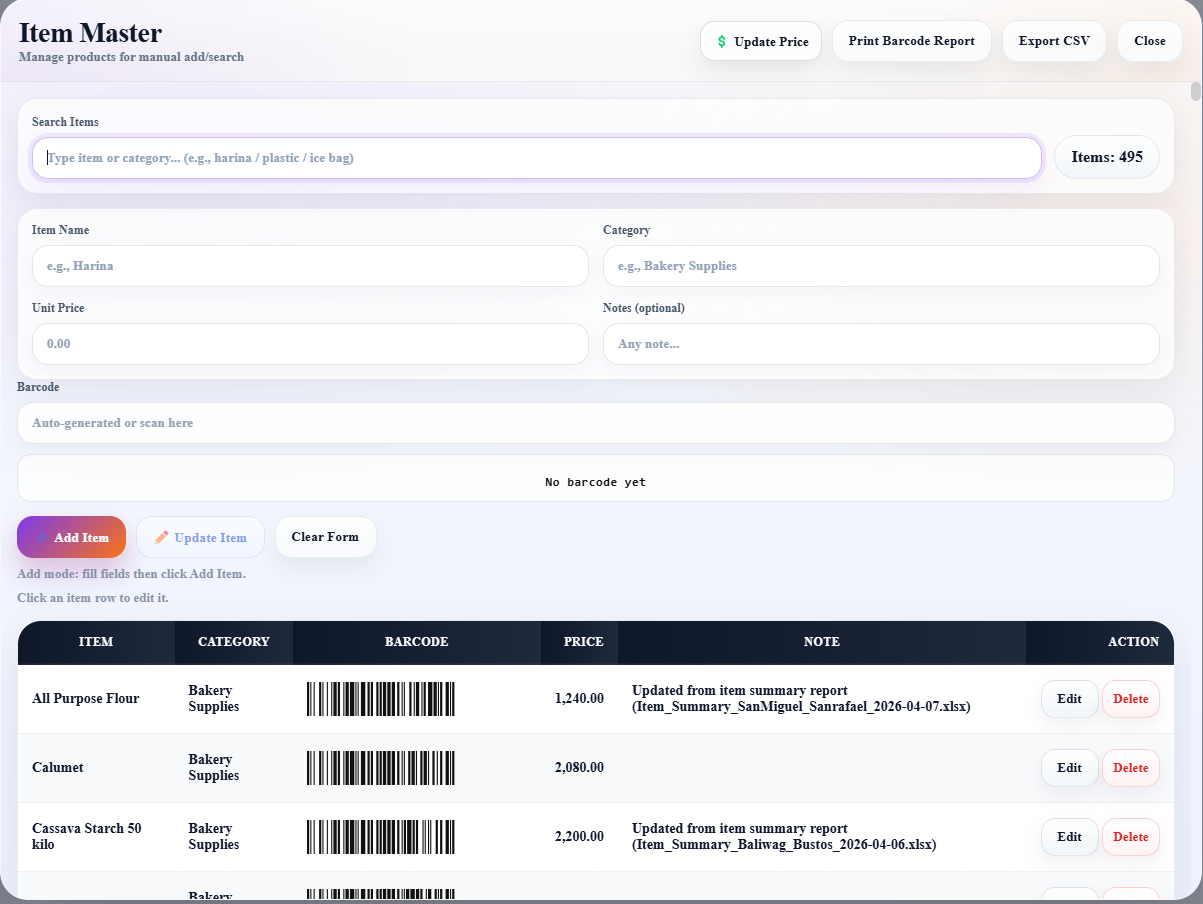
A floating product wall that previews the main GMCore experience — purchase orders, item master, inventory, POS, and dashboard tools.
A premium system for managing tenants, units, monthly billing, meter readings, payments, receipts, balances, and rental reports in one clean dashboard.
Designed for fast daily encoding, clean billing, and simple monthly reporting.
Save tenant profiles, room/unit assignment, contact details, move-in date, and status.
Create statement of account with rent, water, electric, previous balance, and extra charges.
Track water and electric meter numbers, previous readings, current readings, and usage.
Record full, partial, and advance payments with automatic balance updates.
Print receipts, SOA, summaries, and tenant billing records in a clean format.
View monthly and yearly collection reports, unpaid tenants, balances, and totals.
Rental Manager helps reduce missed balances, confusing utility calculations, and repeated manual SOA creation.
Learn how to set up properties, units, tenants, leases, meter readings, bills, payments, SOA, reports, manpower, backup, and restore.
Update company name, logo, payment QR, and backup settings.
Add properties, units, tenants, and complete tenant details.
Connect tenants to units and enter lease terms and billing days.
Record readings, generate bills, post payments, and create SOA.
Search a tenant, review outstanding balance, preview billing history, print SOA, or export SOA as PDF.
Save regular .RMbackup files and restore valid backup files when needed to protect rental records.
Review leases, record meter readings, generate bills, post payments, update expenses, check reports, then save a backup.
Rental Management is a desktop application for managing rental operations in one organized system. It helps users manage property records, units, tenants, leases, meter readings, billing, payments, expenses, manpower, payroll, reports, SOA, backup, and restore.
Yearly summaries, recent bills, payments, and readings.
Add and manage property or building details.
Manage rent, deposits, meters, rates, and unit status.
Save tenant details, contacts, status, and balances.
Connect tenants to units and define lease terms.
Record water readings, adjustments, and custom billings.
Generate bills, print receipts, and create SOA.
Post rental and water/custom payments.
Track maintenance, utilities, tax, manpower, and other costs.
Workers, attendance, cash advances, payroll, and payslips.
Financial, billing, occupancy, expense, and water summaries.
Save and restore app data using .RMbackup files.
The Dashboard shows yearly rental activity including occupied units, vacant units, overdue bills, total due, collected payments, and water charges.
Use the Year filter to view dashboard summary, recent bills, recent payments, and meter readings for a selected year.
Use Properties to save building or rental location details such as property name, address, owner name, and contact number.
Use Units to manage unit code, floor, rent, deposit, advance, status, water meter, electric meter, water rate, minimum charge, service fee, and common fee.
Best practice: use consistent unit names like A-101, A-102, B-201, or Room 01.
The Tenants module stores full name, phone number, email address, ID reference, emergency contact, and active/inactive status.
Tenant balances are based on unpaid or partially paid bills.
Best practice: always enter valid phone numbers and emergency contact details.
Leases connect tenants to units and define start date, end date, monthly rent, deposit snapshot, billing day, due day, lease status, and move-in reading.
When a lease is created, the selected unit becomes occupied.
Create the lease before generating bills because billing depends on active leases.
Meter Readings records billing month, reading date, previous reading, current reading, reading type, shared charges, adjustments, notes, custom billing name, and custom billing amount.
Record meter readings before generating monthly bills so water/custom billing uses the latest reading.
Bills can be Rental Bills or Water / Custom Bills. Bill statuses may be unpaid, partial, paid, or overdue.
Clear Bills should only be used when rebuilding a selected month. It may remove payments linked to those bills.
Payments can be posted for Rental Bills and Water / Custom Billing. Supported payment methods include Cash, Bank Transfer, GCash, and Maya.
Payment records can include payment date, amount, method, receipt number, reference number, and notes.
Payments can auto-apply to previous balances to keep accounts accurate.
Use SOA when a tenant asks for a full balance summary or when sending an official statement.
Expenses track owner or property costs such as maintenance, utilities, government tax, manpower, and other expenses.
Generated payrolls can be saved as manpower expenses so labor costs appear in reports.
Man Power manages workers, attendance, cash advances, payroll generation, payroll status, and payslip printing.
Payroll can include present days, half days, gross amount, existing cash advance, new cash advance, deduction, and net pay.
Complete attendance records before generating payroll.
Reports can be filtered by year, month, or all months. They use data from bills, payments, meter readings, units, and owner expenses.
Reports help review rental income, collections, outstanding balances, water charges, expenses, occupancy, profitability, and billing activity.
Open the settings icon to update company name, company logo, payment QR, backup, restore, and workspace settings.
Company logo and name may appear in app sections and printed documents.
Create a backup at least once per week and before major edits.
Check that the tenant has an active lease connected to the correct unit.
Create or update the lease connected to that unit.
Check previous reading, current reading, water rate, minimum charge, service fee, shared charges, and adjustments.
Confirm that the payment was posted to the correct bill type.
The record may be linked to another record. Keep it for history or resolve linked records first.
Confirm that the file extension is .RMbackup and that it was created by the app.
Rental Management is a record-keeping and billing support tool. Users are responsible for reviewing all generated bills, receipts, statements, reports, and payroll records before using them for official transactions. Always keep secure backups of important rental data.